 0b9718cf2c
Bind the Copilot key (SUPER+SHIFT+F23) to whisrs on press and release, so holding it records and letting go transcribes. Injection uses wtype, which works natively on Hyprland and reaches any focused window, including TUIs running in the dockerized agent containers. Decoding runs on the iGPU through the Vulkan feature of a locally rebuilt whisrs-git: the stock AUR build is CPU-only and compiled with generic -march, which made dictation take around five seconds. Requires whisrs-git (AUR), wtype and pipewire-alsa; documented in the README along with the config and model locations. |
||
|---|---|---|
| fcitx5 | ||
| helix | ||
| hypr | ||
| kitty | ||
| screenshots | ||
| systemd/user | ||
| tofi | ||
| waybar | ||
| wlogout | ||
| .gitignore | ||
| LICENSE | ||
| README.md | ||
Jeena's Hyprland setup
This git repo hosts all the dotfiles I need for my hyprland setup. You can use it to learn and to copy from it, but you probably don't want to just use it as it is because it's very opinionated and hard coded.
Introduction Video
Screenshots
Hyprlock lockscreen with custom font and showing keyboard layout

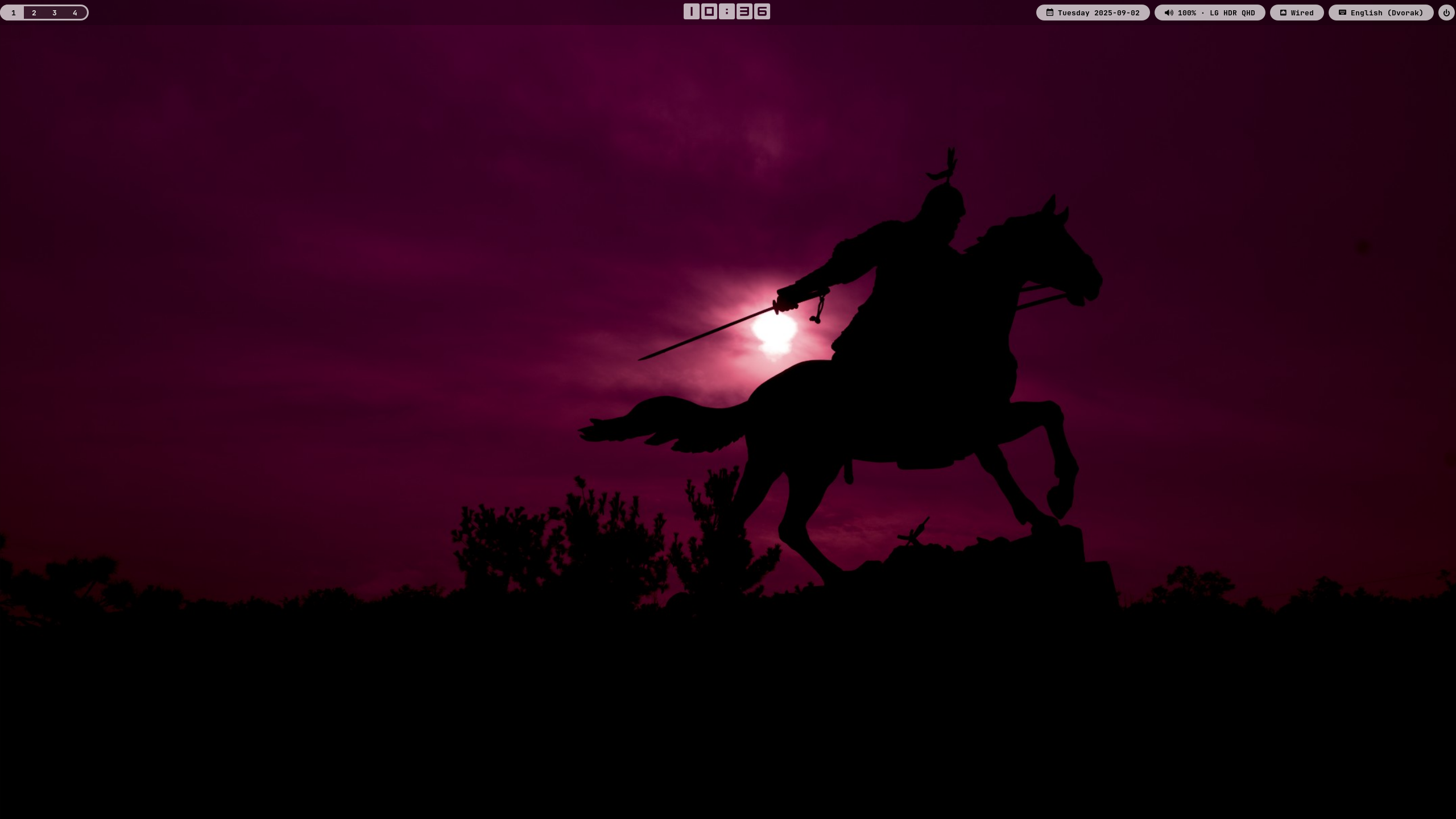
Empty hyprland screen
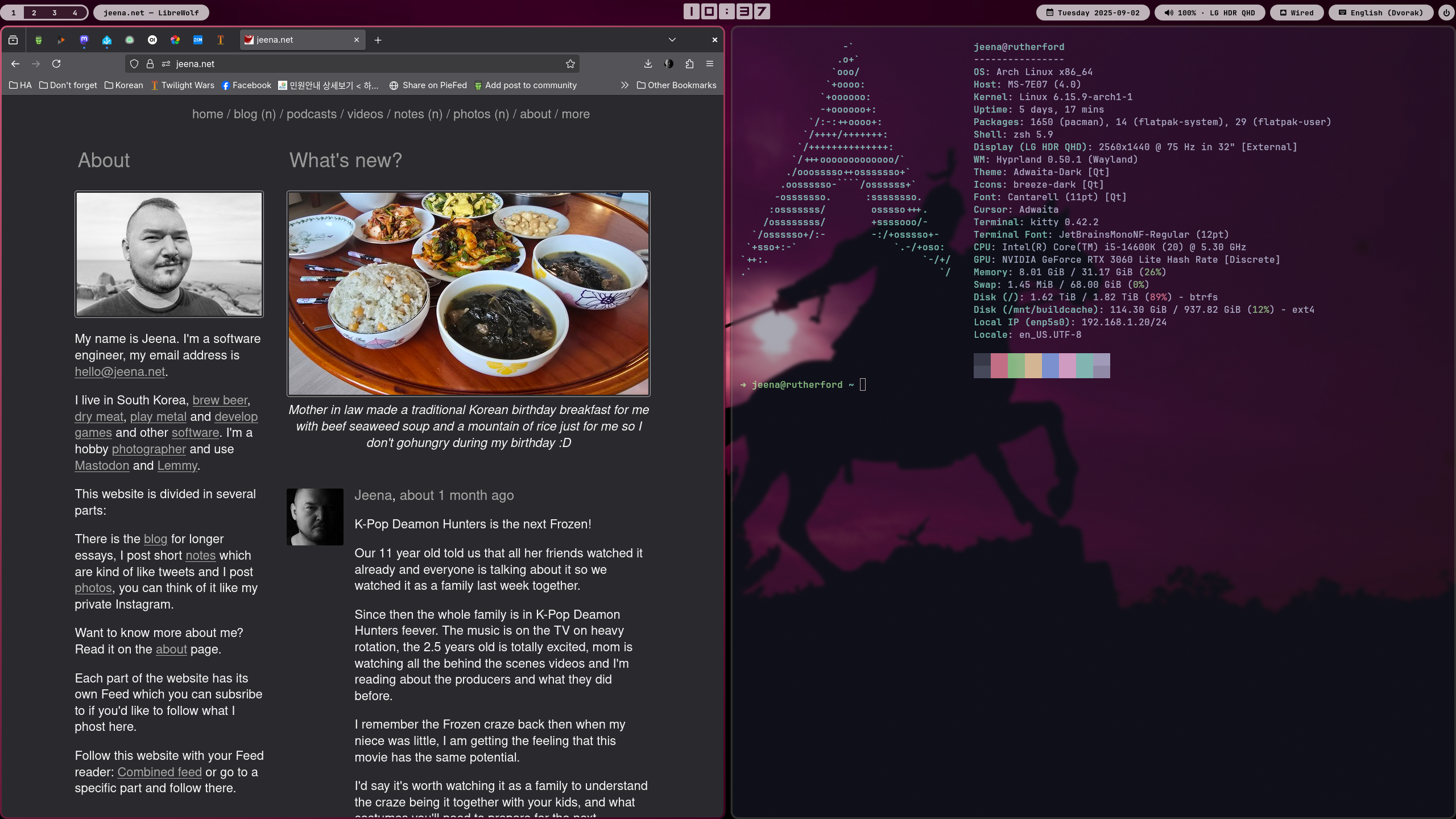
Firefox and Kitty side by side, no margin on the outside
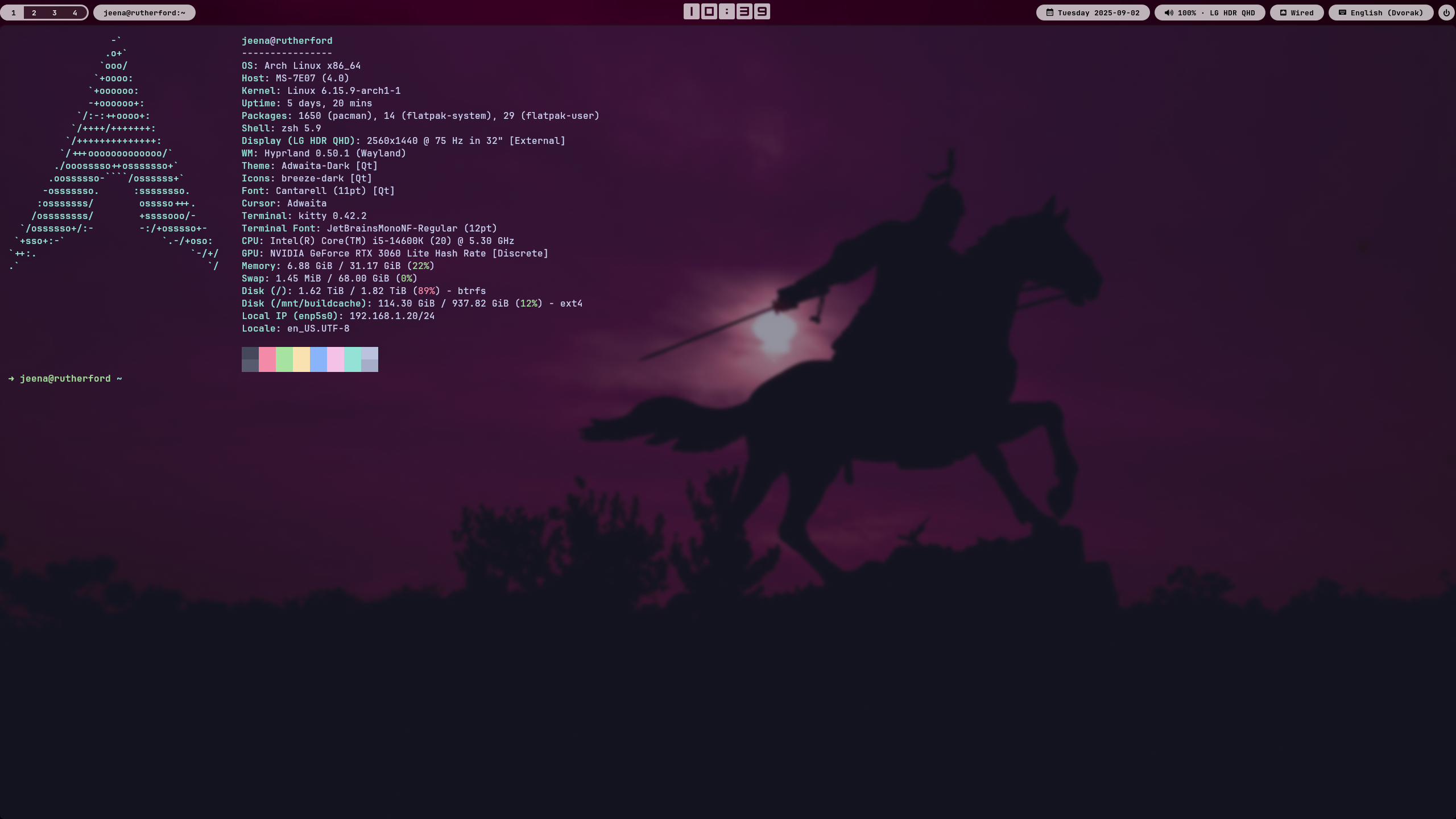
If only one window is visible, border is removed
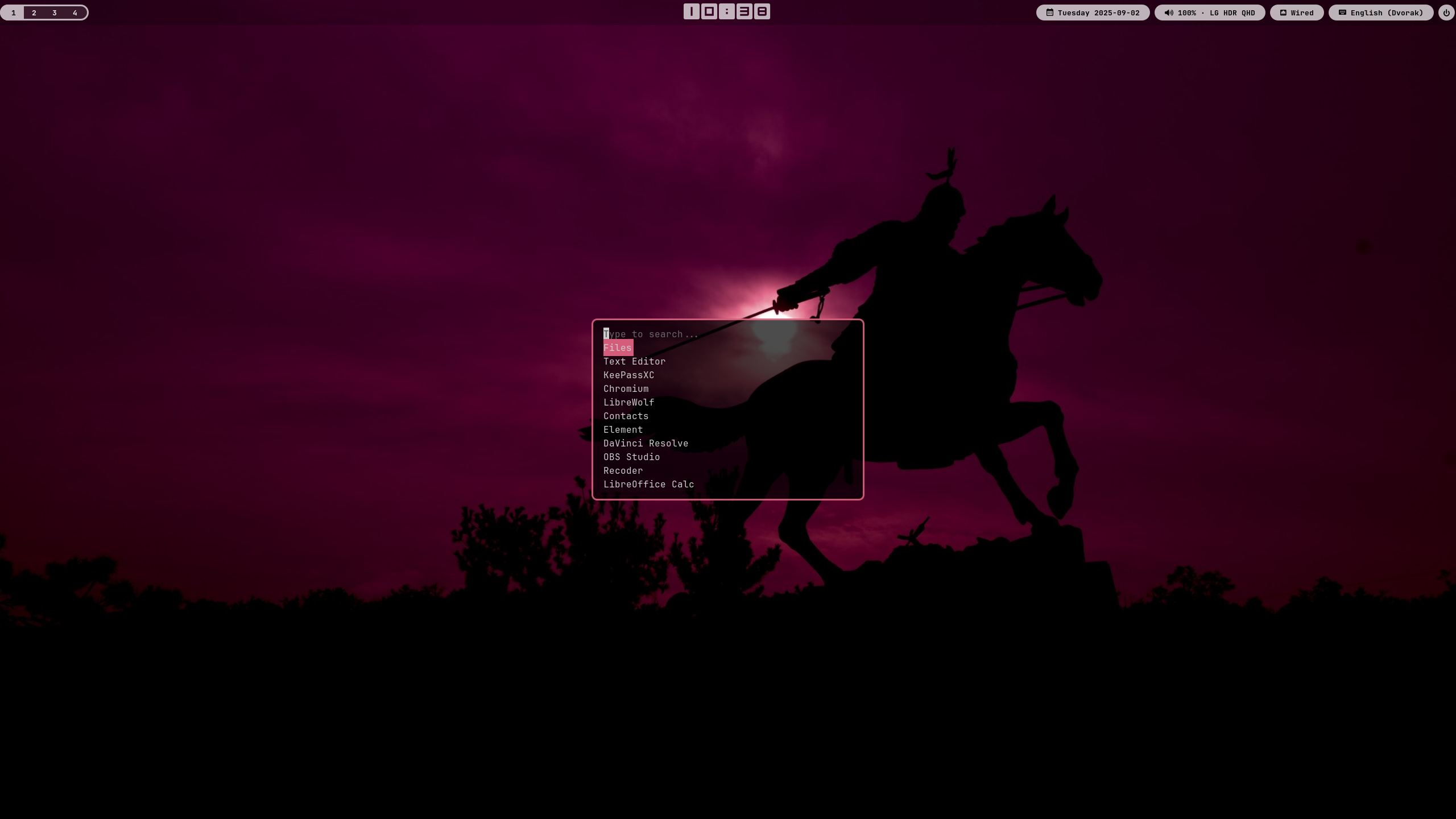
Tofi as app menu
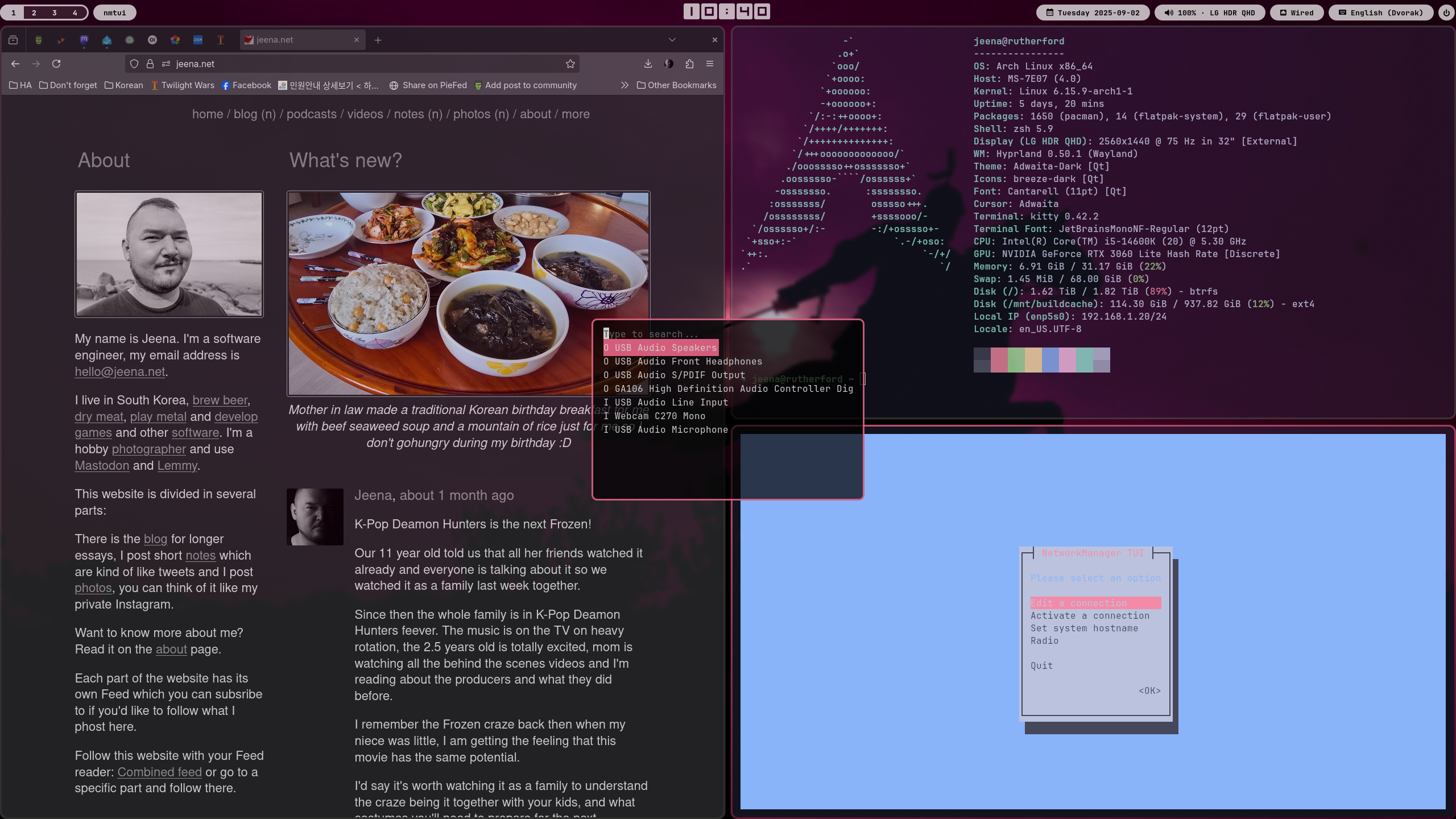
nmtui to edit network and tofi to choose I/O audio devices
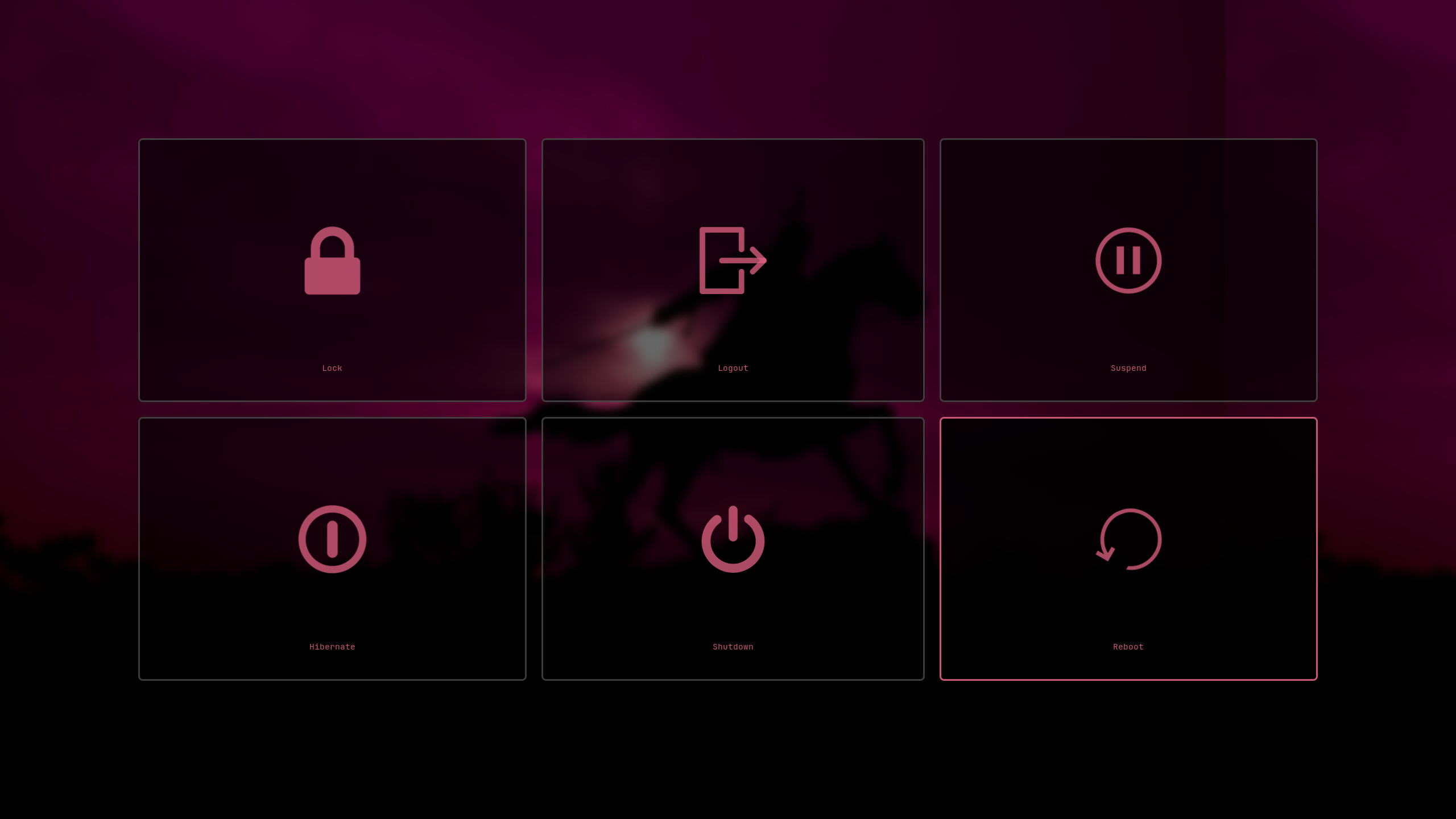
wlogout menu
Install
You need to clone this git repository to your computer, let's assume you do:
mkdir -p ~/Projects/
cd ~/Projects/
git clone https://git.jeena.net/jeena/hypr-dotfiles.git
The next step is to set up a hostname config where you can overwrite hyprland configs for a specific host:
cd ~/Projects/hypr-dotfiles/hypr/hosts/
touch $(hostname).conf
ln -s $(hostname).conf host.conf
Then you need to soft link the directories in this git repo to the
~/.config/ directory, make sure that those directories don't exist
yet in your ~/.config, you will need to delete or move them
before. In our example it would be:
cd ~/.config
ln -s ~/Projects/hypr-dotfiles/hypr hypr
ln -s ~/Projects/hypr-dotfiles/waybar waybar
ln -s ~/Projects/hypr-dotfiles/tofi tofi
ln -s ~/Projects/hypr-dotfiles/wlogout wlogout
ln -s ~/Projects/hypr-dotfiles/kitty kitty
ln -s ~/Projects/hypr-dotfiles/helix helix
ln -s ~/Projects/hypr-dotfiles/fcitx5 fcitx5
To enable the auto-mute/unmute timers (mutes at 21:00, unmutes at 07:00, only when idle-inhibit is active), link the systemd user units:
systemctl --user link ~/Projects/hypr-dotfiles/systemd/user/auto-mute.service
systemctl --user link ~/Projects/hypr-dotfiles/systemd/user/auto-mute.timer
systemctl --user link ~/Projects/hypr-dotfiles/systemd/user/auto-unmute.service
systemctl --user link ~/Projects/hypr-dotfiles/systemd/user/auto-unmute.timer
systemctl --user enable --now auto-mute.timer auto-unmute.timer
You also need to install all the dependencies:
- hyprland
- hypridle
- hyprlock
- wlogout
- tofi
- waybar
- swaybg
- nmtui
- kitty
- python3
- Curved Square font https://www.1001freefonts.com/curved-square.font
- FontAwesome
- ttf-jetbrains-mono-nerd (required for waybar icons)
- xdg-desktop-portal-hyprland
- xdg-desktop-portal-gtk
- uwsm (recommended; log in via the "Hyprland (uwsm-managed)" session so systemd starts the portals before the autostart apps — otherwise apps like waybar and chromium intermittently come up in light mode. Without uwsm the portal startup script falls back to launching the portals manually.)
- fcitx5
- fcitx5-hangul
- wtype (types the transcribed text)
- whisrs-git (AUR; voice dictation daemon, see below)
There are probably more, I will update the list next time I'm installing it on a new computer.
Voice dictation
The Copilot key (on newer laptops this replaced the right Ctrl key; it sends SUPER+SHIFT+F23) toggles voice dictation. Press it once to start recording and again to stop. whisrs transcribes locally with a whisper.cpp model and types the text at the cursor via wtype, in any window, including terminals running the dockerized agent harnesses.
The config lives in ~/.config/whisrs/config.toml and the model in ~/.local/share/whisrs/models/. The daemon runs as the systemd user service whisrs.service.
License
All scripts here are under the GPL-v3 or a later version.